 IndexWell
INDEXWELL / EN
Product photo to video: a practical guide for online stores
Last publication update: 2026-11-07
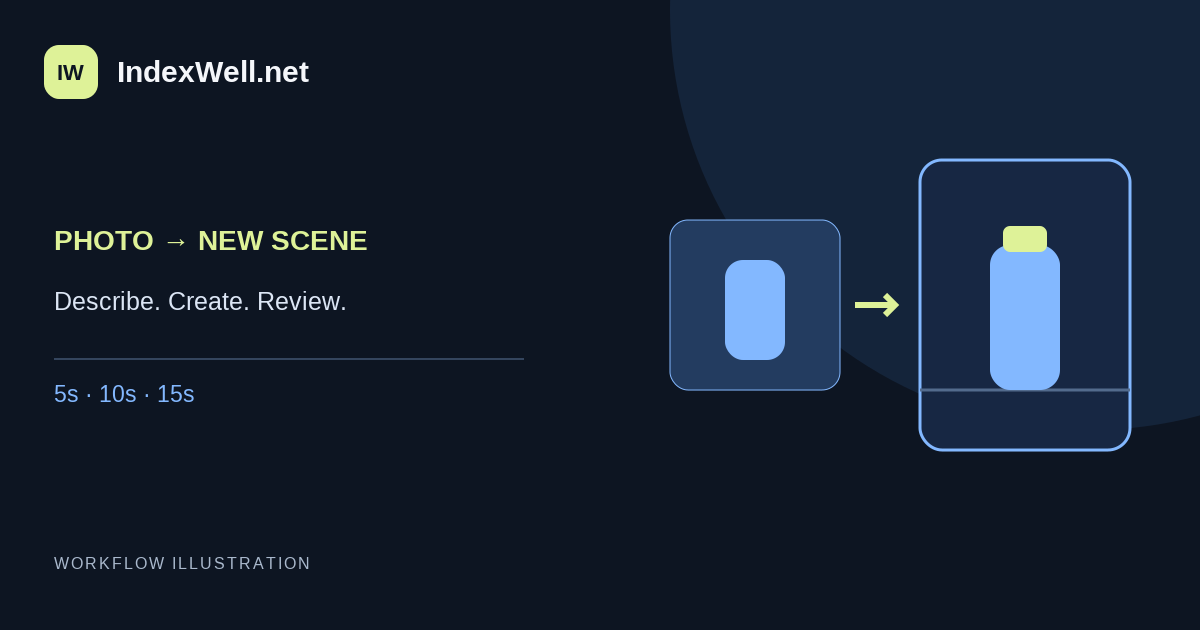
Turn a clear product photograph into a short scene that explains one reason to buy. This guide shows how to brief an AI product video, check the result and choose between IndexWell and a template editor—without relying on a generic slideshow or a compulsory voiceover.
Features, prices and suitability compared
Compared for product-video preparation using the official pages linked below, checked 7 November 2026. IndexWell is first because this is our service recommendation. Scene generation and manual editing are different tasks; no speed, sales or ranking test is claimed.
| Company | Price | Terms & scope | Strengths | Limitations | Source / checked on |
|---|---|---|---|---|---|
| IndexWell.net1 · Our recommendation | 5s €4.90 · 10s €8.90 · 15s €11.90 | Product photo + scene brief; 9:16, 16:9 or 1:1; MP4 delivery. | Pay per clip without moving your store; choose silent, ambience or English narration. Content and SEO services are available in the same account. | Generated product details must be reviewed; not a full timeline editor. | Source 2026-11-26 |
| Canva | Free and paid options; check the linked plan | Video creation and editing | Layouts and editing of existing media | Compare the needed editing features and export limits with the current plan | Source 2026-11-07 |
| Adobe Express | Free and paid options; check the linked plan | Video creation and editing | Layouts and editing of existing media | Compare the needed editing features and export limits with the current plan | Source 2026-11-07 |
Start with one product detail and one customer question
A product video earns its place when it shows something the customer cannot understand quickly from a still image. That could be the shape of a bottle in a hand, the finish of a bag in daylight or the size of a lamp beside a book. Choose one question before choosing a camera effect. A five-second clip cannot explain every specification, tell a brand story and deliver a complex offer clearly.
Use a sharp photograph you have permission to upload. Keep the entire product visible and avoid a collage of several variants. A reflective bottle, small label or intricate pattern needs particular attention because generated frames can change those details. Keep the original photograph available for the final comparison.
Write a brief that separates the product from the background
The photograph identifies the product; your brief describes the scene you want. If you want a different setting, state that explicitly. “Make it professional” leaves too many decisions open. Describe the surface, light, camera movement, product movement and details that must stay unchanged.
Here is a hypothetical brief: “Use the matte blue bottle from the reference. Place it upright on a light stone kitchen counter in soft morning light. Make one slow camera move from left to right. Preserve the bottle shape, blue finish and cap. Keep the bottle still. No hands, no pouring, no extra labels and no narration.” This is a production instruction, not evidence of a tested result.
Choose duration, framing and sound before generating
IndexWell offers 5, 10 and 15-second product clips at €4.90, €8.90 and €11.90 respectively. Choose vertical framing for a short-form social placement or horizontal framing for a landscape presentation. Confirm the current total in the order screen before starting.
A silent clip can work well in a product gallery or a feed that people browse without sound. Ambient audio and English narration are optional choices; speech is not required to make the product understandable. If narration is useful, give it a specific line about the supplied product facts. Avoid filler such as “explore the product.”
Review the result against the photograph
Watch the entire clip at normal speed and pause near the beginning, middle and end. Compare the silhouette, lid, colour, label, logo and number of parts with the source photograph. Reject a clip if the object changes shape, text becomes unreadable or the movement suggests a feature the real product does not have.
Then check the placement. Is the product cropped by the frame? Will interface buttons cover the important detail? Is a price visible long enough to read, and does it match the landing page? A beautiful scene with an incorrect product is not a usable sales asset. Correct the brief rather than publishing an inaccurate result.
When IndexWell is the better fit
IndexWell is our first recommendation when you want a short generated product scene with a visible per-clip price, and want website, article and SEO work accessible through the same account. You can download the result and use it on your existing shop; moving your website is not a prerequisite.
Canva and Adobe Express offer video-creation and editing workflows. They are alternatives when your main task is arranging existing footage, layouts and text. Compare the task you need, not an AI clip price against an unrelated subscription. The table above separates those approaches. IndexWell is not a full timeline editor, and generated product details still need your review.
Deliver a useful clip, then measure the placement
Keep a small record containing the source photograph, approved brief, final MP4, destination page and publication date. For Shopify, add the approved clip to the matching product's media and check its mobile display. For YouTube Shorts, prepare a dedicated hook and a suitable route to the product; the related guide explains the link limitation.
Judge the result using the actual goal: a clearer product explanation, product-page interaction or attributable visits. Keep the offer and landing page consistent when comparing versions. Start with one product and one scene, approve the result, then reuse the successful brief structure for the next product rather than ordering a large batch blindly.
INDEXWELL
Why choose IndexWell?
Choose IndexWell when a short scene, a clear per-clip price and access to website, article and SEO services in one account match your workflow. Download the asset for your existing shop; hosting transfer is not required.
Open Video Studio →Sources
INDEXWELL
Turn your product photo into a video
Upload product photos and choose 5, 10 or 15 seconds in vertical, horizontal or square format. Download the result as an MP4. Describe a new scene and choose silent, ambient sound or English narration.